Your factory screen may support Apple CarPlay, but the connection method can change how every drive feels. When comparing wired vs wireless CarPlay adapters, the better buy comes down to your commute, your phone battery, your vehicle’s USB setup, and how much you value getting in and driving without plugging in.
For many drivers, a cable is still the least expensive and most dependable route. A wireless adapter, on the other hand, is a small upgrade that makes short trips, school runs, and daily commuting far more convenient. The key is knowing what you are actually buying before a low sale price turns into a compatibility headache.
Wired vs Wireless CarPlay Adapters: The Real Difference
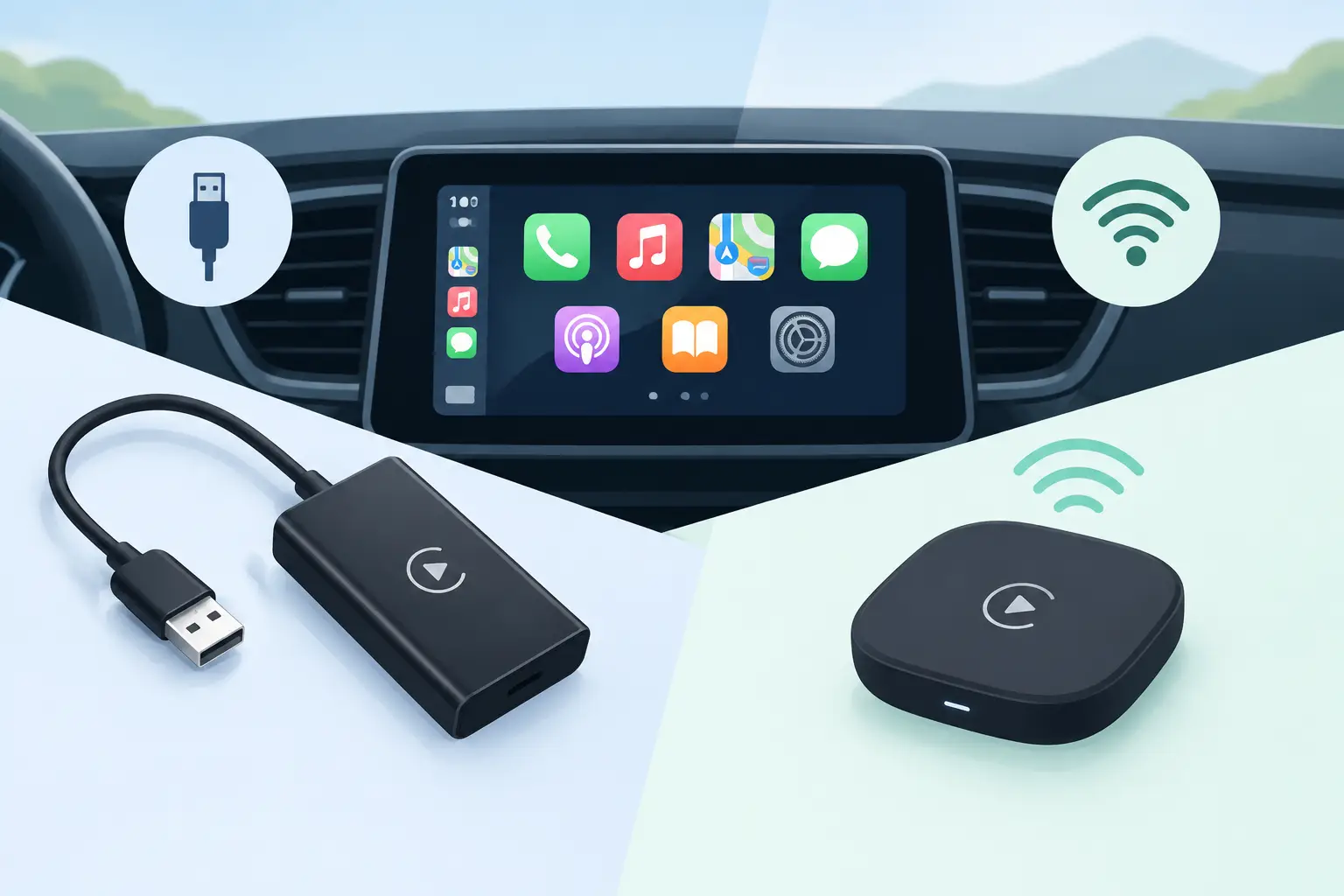
A wired CarPlay connection runs from your iPhone to the vehicle’s USB data port through a compatible cable. Some vehicles have factory wired CarPlay already, while aftermarket head units may use a wired USB CarPlay dongle. Either way, the physical connection carries data directly between your phone and the infotainment system.
A wireless CarPlay adapter is usually designed for a vehicle that already has wired Apple CarPlay. You plug the adapter into the factory USB data port once, pair your iPhone, and the adapter handles the wireless connection through Bluetooth and Wi-Fi. It does not add CarPlay to every vehicle with a USB port. That distinction matters.
Before shopping, confirm that your vehicle already supports factory wired Apple CarPlay and check the model year, trim, and infotainment version. A USB port intended only for charging will not make an adapter work. Also check whether your car has USB-A or USB-C, since the right cable or included converter can save an extra purchase.
Why a Wired Connection Still Makes Sense
Wired CarPlay remains the practical choice for drivers who want maximum reliability at the lowest cost. Plug in your phone, wait a moment, and maps, music, calls, and messages appear on the screen. There is no wireless pairing process to troubleshoot and no extra adapter taking up space near the console.
The biggest advantage is power. Navigation, streaming audio, and cellular data can drain an iPhone quickly, especially during a long road trip or a hot summer commute. A wired connection charges the phone while it runs CarPlay, provided the vehicle’s port supplies enough power. If you regularly arrive with a low battery, this benefit alone can outweigh the convenience of going wireless.
Wired setups can also be more consistent for drivers who depend on real-time directions in unfamiliar areas. Wireless CarPlay is generally stable when the adapter is good and properly placed, but a direct cable connection has fewer variables. It is a smart fit for rideshare drivers, frequent road trippers, and anyone who wants the simplest possible setup.
There are trade-offs. You need to plug in every time, carry a cable that works, and deal with cable wear over time. A loose connector, cheap cable, or lint-filled iPhone port can cause annoying disconnects that feel like an infotainment problem. Choosing a durable, data-capable cable is a small automotive upgrade that pays off daily.
What You Gain With a Wireless CarPlay Adapter
Wireless CarPlay is about reducing friction. Put your phone in a pocket, cup holder, or charging pad, start the vehicle, and CarPlay connects automatically after its initial pairing. For a five-minute trip to the grocery store, that convenience is easy to appreciate.
It also keeps the cabin cleaner. There is no cord stretched across the shifter area or dangling from the dashboard, which is especially appealing in premium interiors from BMW, Mercedes-Benz, Audi, Lexus, and Porsche. If you have already invested in a clean phone mount, console organizer, or wireless charging pad, a wireless adapter makes the setup feel more intentional.
A quality adapter typically reconnects quickly after startup and preserves access to Apple Maps, Google Maps, Waze, Spotify, podcasts, calls, and Siri. The best experience feels close to factory wireless CarPlay, with no need to open an app or press an extra button before pulling away.
The trade-off is battery use. Wireless CarPlay relies on Bluetooth for initial communication and Wi-Fi for the higher-bandwidth connection. Your iPhone will lose charge faster than it would on a wired connection. Pairing the adapter with a MagSafe-compatible charger or a well-positioned wireless charging mount can solve the problem, but it adds cost and creates heat. On long drives, a wired cable may still be the better move.
Startup Speed, Sound, and Call Quality
For most drivers, the difference in audio quality between wired and wireless CarPlay is difficult to notice. Music and podcast sound are usually limited more by your vehicle’s speakers, source quality, and audio settings than by the connection type. A clean factory stereo may sound excellent either way.
Startup time is where the difference is more noticeable. Wired CarPlay normally launches shortly after you plug in. A wireless adapter needs time to wake up, recognize the iPhone, and establish its Wi-Fi connection. In a well-matched setup, that can be quick enough to feel effortless. In others, it may take 20 to 40 seconds or occasionally require a reconnect.
Phone calls and Siri commands are usually clear through either setup, but adapter quality matters. Lower-priced models can have slower reconnection, occasional audio lag, or inconsistent performance after an iOS update. That does not mean every budget adapter is a bad deal. It means shoppers should treat compatibility, return options, firmware support, and recent vehicle-specific reviews as part of the value calculation.
Compatibility Checks That Prevent Bad Buys
A wireless CarPlay adapter is not a universal fix. Spend two minutes checking these details before ordering:
- Your vehicle must have factory wired Apple CarPlay, unless the product specifically supports an aftermarket head unit or another setup.
- Confirm your exact model year and trim. CarPlay availability can vary within the same vehicle line.
- Verify the USB port location and connector type. Some vehicles have multiple ports, but only one supports smartphone data.
- Check whether the adapter is for Apple CarPlay only or supports both CarPlay and Android Auto if more than one driver uses the vehicle.
- Look for products with firmware updates and clear instructions for reset, pairing, and support.
This is particularly important with luxury vehicles, where infotainment systems can differ by package and production year. A 2020 BMW X3, for example, may have a different CarPlay arrangement than another X3 built with a different option package. The same caution applies to Tesla-style aftermarket screens and older vehicles upgraded with third-party head units.
Which Setup Fits Your Driving Style?
Choose wired CarPlay if you take long trips, use navigation constantly, need to keep your phone charged, or simply do not want another electronic accessory in the vehicle. It is dependable, affordable, and easy to diagnose when something goes wrong. Replace a worn cable first before assuming the vehicle system has failed.
Choose a wireless adapter if you make frequent short trips, dislike cable clutter, share the car with another iPhone user, or want a more premium everyday experience from a vehicle that only offers wired CarPlay. It is one of those small interior upgrades that can make an older infotainment system feel much more current.
For drivers who want both benefits, there is no rule that says you must use only one method. Run wireless CarPlay for errands and commute days, then plug in for a long drive when battery life matters. That flexible approach makes a wireless adapter easier to justify without giving up the reliability of a cable.
Get the Best Value From Your CarPlay Upgrade
The lowest price is not always the best deal. A deeply discounted adapter is only a bargain if it works with your vehicle, reconnects reliably, and does not force you to keep troubleshooting on the way to work. Compare product details carefully, especially vehicle compatibility, included cables, supported iPhone versions, return coverage, and recent buyer feedback.
If your vehicle already has wired CarPlay, start with the question you will notice every morning: do you mind plugging in your phone? If the answer is yes, a compatible wireless adapter can be a practical upgrade worth adding to your next automotive deal list. If battery life and road-trip dependability matter more, keep a quality wired connection in the console and enjoy the confidence of a direct link.